Access
After the purchase an e-mail arrives with a link. The link is where you set your password; from then on you sign in with your e-mail address and that password. Forget it and «Forgot password» sends a new link to the same address. Two-factor sign-in with a time code can be switched on later for the whole business.
Location
Under Settings → Locations you enter the address and time zone and set the radius for the presence check (100 to 1000 m). The radius applies only to employees with a legal basis on file.
Roles
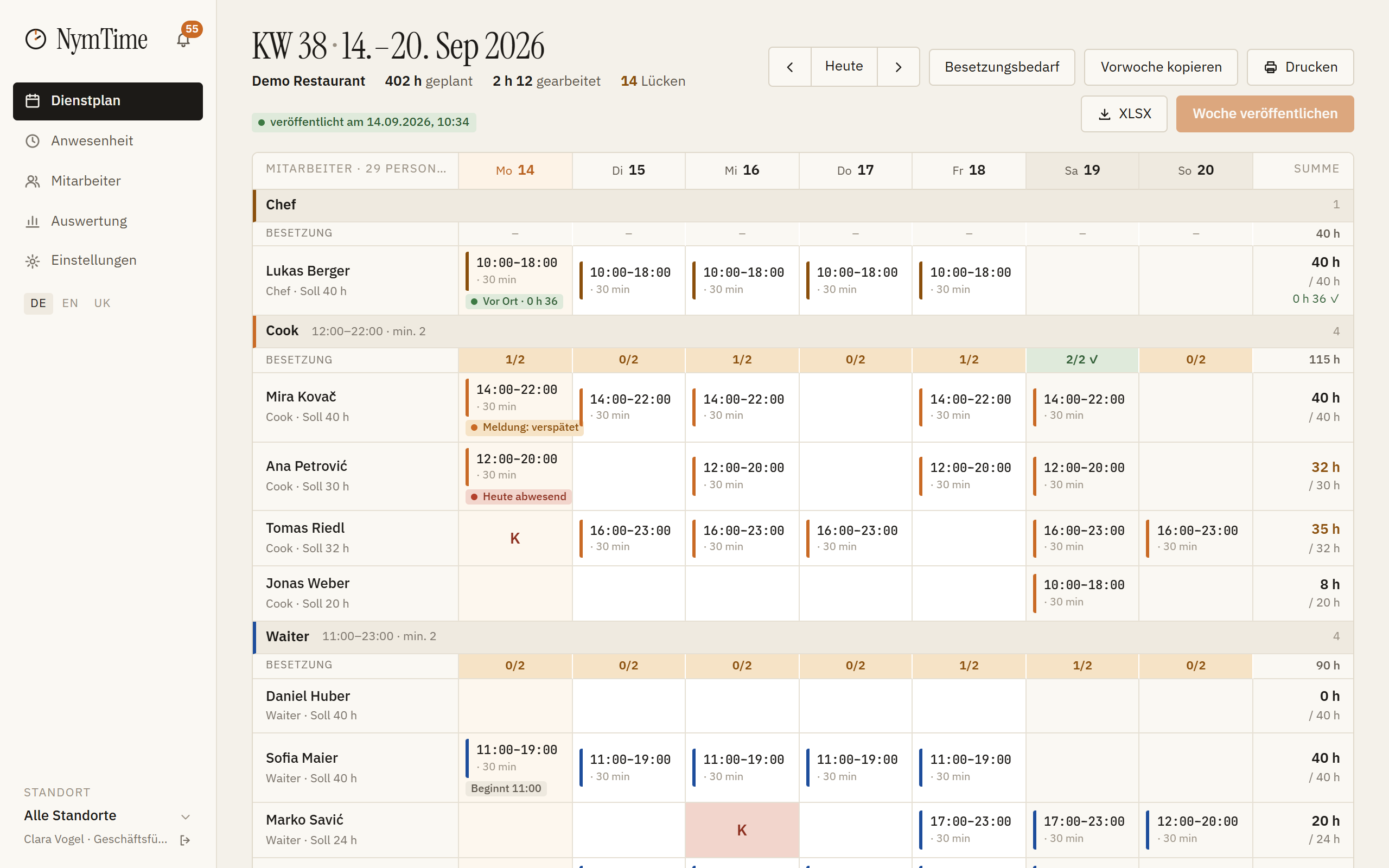
Under Settings → Positions you create roles such as kitchen, service or reception and give the minimum staffing per time window. From then on the weekly plan warns about every understaffed day.
Employees
Under Employees you create the profiles. Each person gets an invitation by e-mail; activation is described on the page «Inviting employees».
The first week
In the rota you drag shifts into the week, copy the previous week if you like, and publish. From then on everyone sees their own shifts in the app.